



Windows Laptop
-
COMPARESale$899🚀 Power Like a Desktop. Work Anywhere.Built for professionals who need uncompromising performance, exceptional battery life, and premium craftsmanship—without paying premium-brand prices.🏆 Reviewed & Recommended by
TechRadar · Notebookcheck · ITPro
Trusted by leading tech reviewers for performance, battery life and value.
- 🚀 Desktop-Class Performance
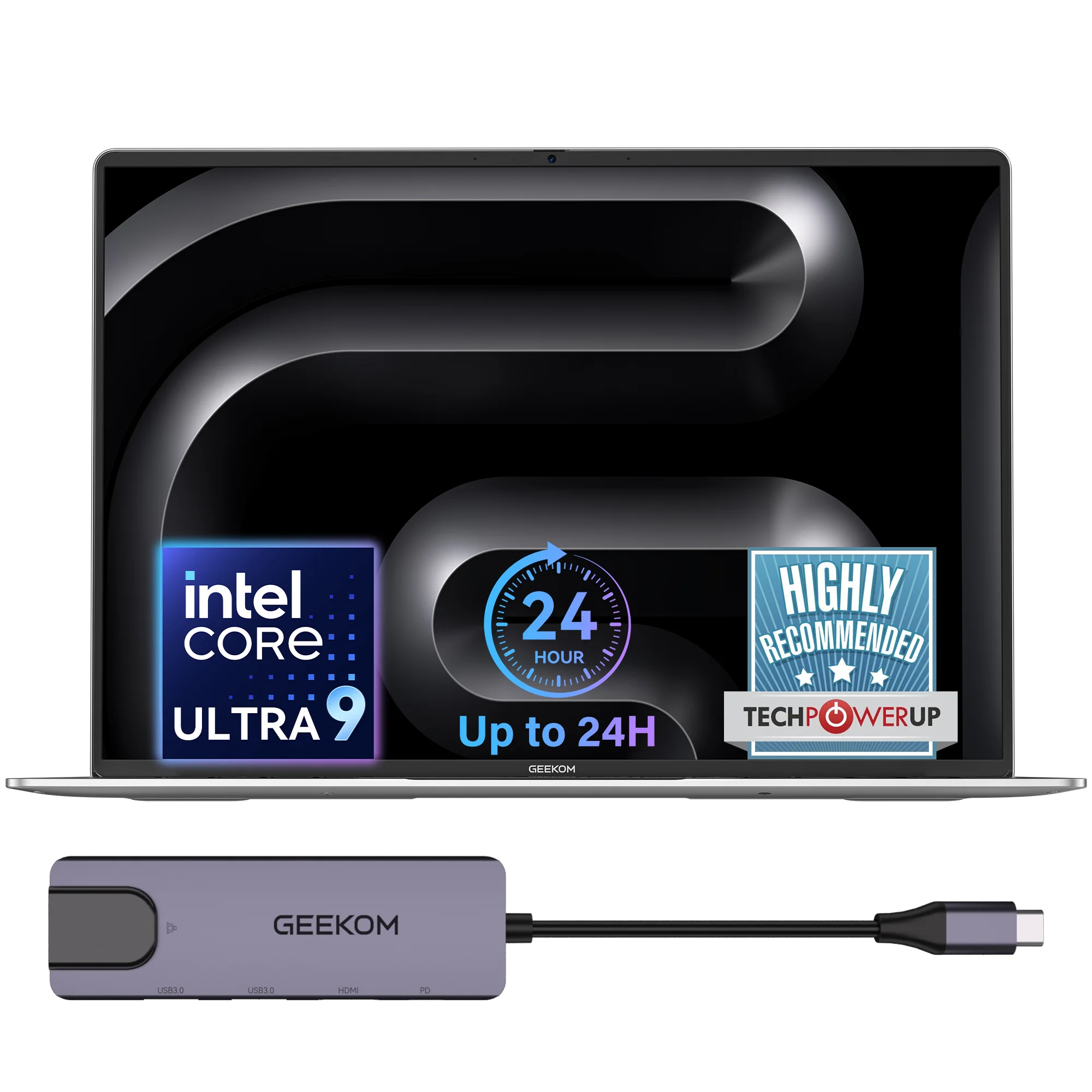
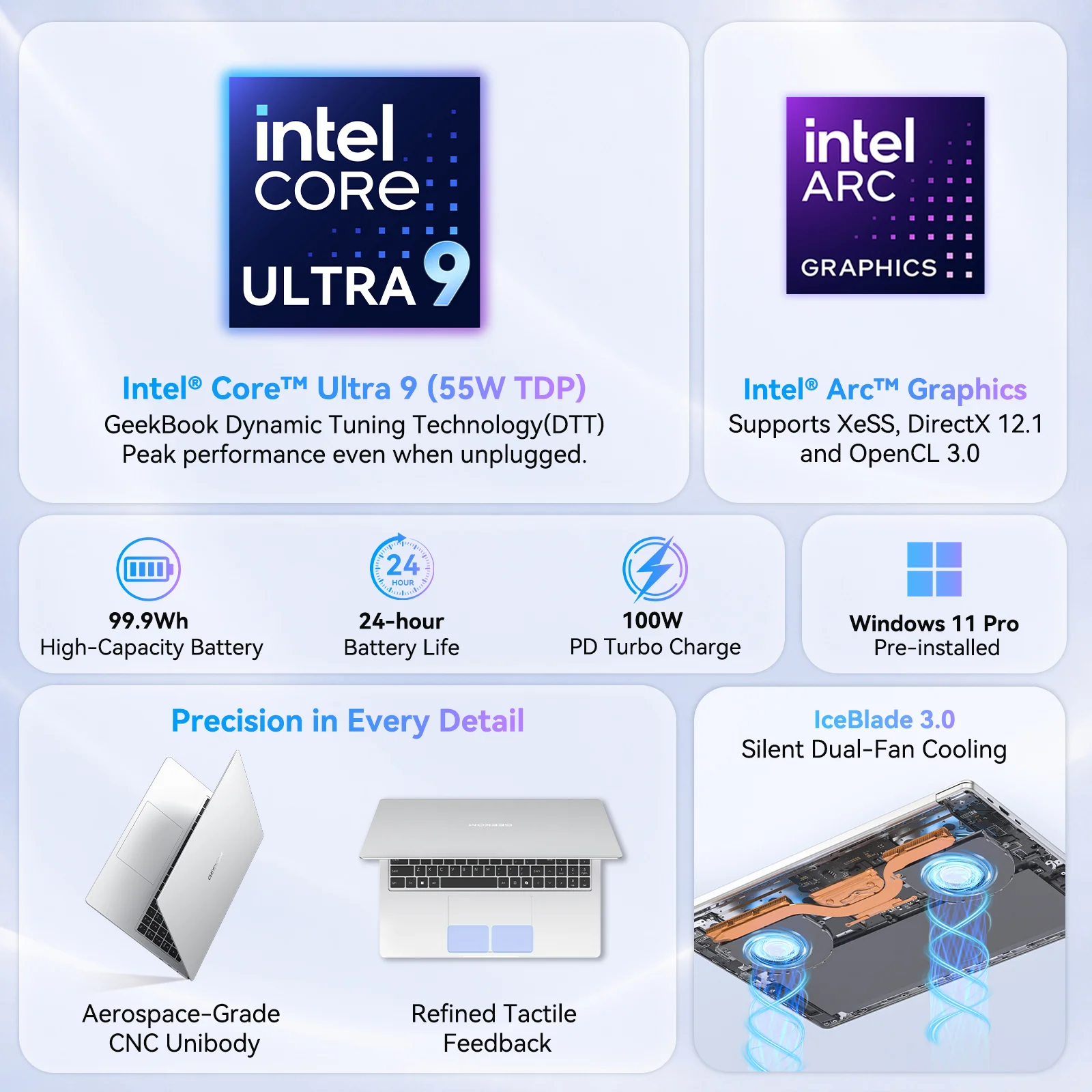
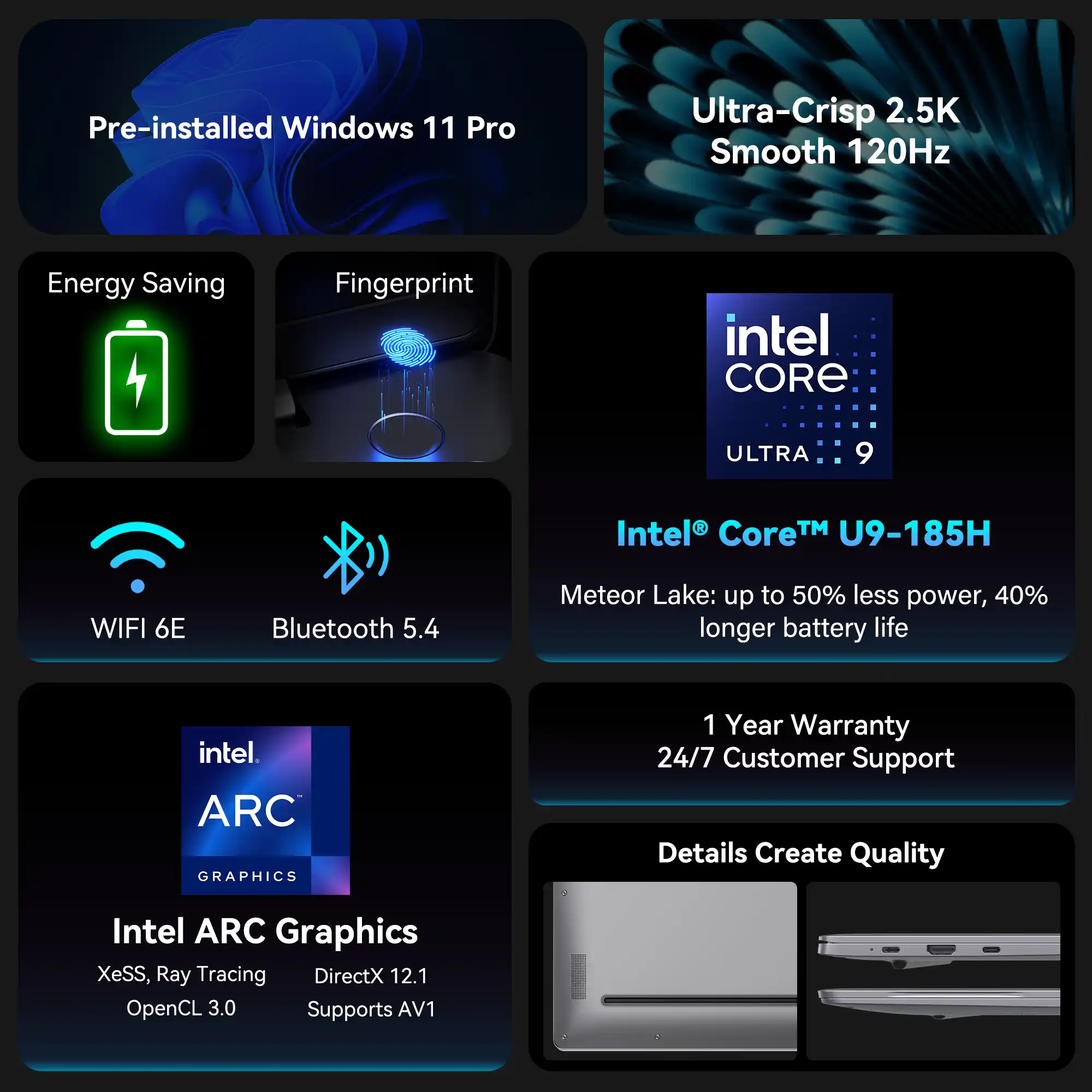
Powered by the Intel® Core™ Ultra 9 185H processor and next-generation Intel® Arc™ Graphics, delivers up to 55W of sustained performance. With GeekBook Dynamic Tuning Technology(DTT), it maintains powerful, consistent performance—even when running on battery. - 🔋 Work All Day. Charge Less.
The massive 99.9Wh FAA-compliant battery delivers up to 24 hours of runtime, while the included 100W GaN fast charger gets you back to work quickly. - ❄️ Stay Cool Under Pressure
IceBlade 3.0 cooling with dual fans and dual heat pipes keeps performance consistent while maintaining impressively low fan noise. - 💾 Ready to Grow With You
Dual PCIe Gen4 SSD slots support up to 6TB of storage, giving you room for larger projects without replacing your laptop. - 🔌 Everything You Need. Nothing You Don’t.
USB4, full-featured USB-C, HDMI, dual USB-A, fingerprint login, and a physical webcam privacy shutter keep your workspace simple, secure, and adapter-free. - 🛡️ Premium Aluminum. Built to Last.
Built with a precision CNC-machined aluminum unibody, it combines premium durability with a sleek, refined design. Rounded edges and a fingerprint-resistant silver finish deliver exceptional comfort and a premium feel.
- 🚀 Desktop-Class Performance
-
COMPARESale$849 – $1,119Price range: $849 through $1,119
🥇 Executive Elegance. 999g of Weightless Brilliance.
🏆Award-Winning Recognition (2026)
✓ TechPowerUp: Highly Recommended & Great Value Awards
✓ Tom’s Guide: Recommended Award
✓ HotHardware: Approved Award- 💎 999g of Pure Elegance — The Executive Choice:
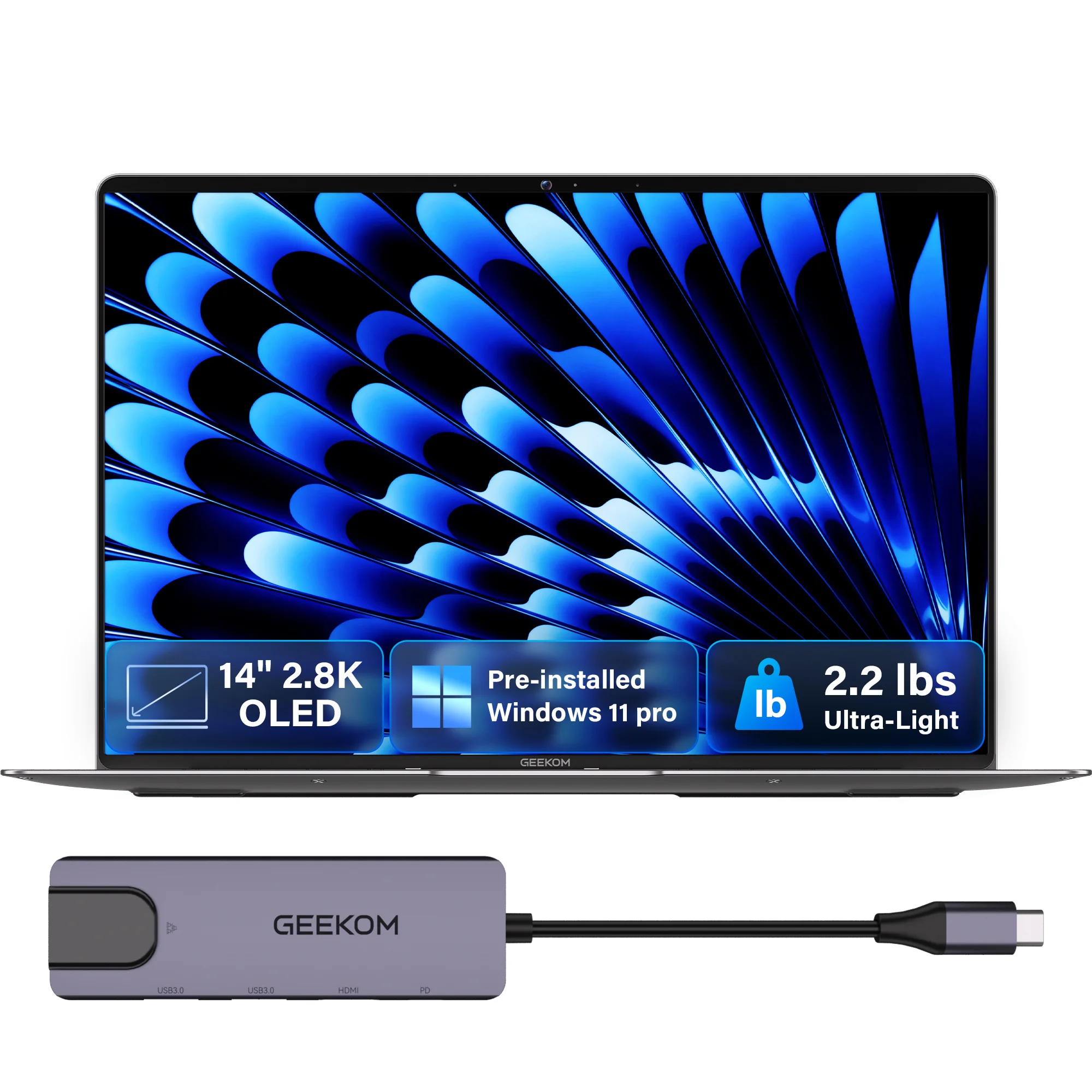
Meticulously crafted into a 0.24″ (6 mm) ultra-thin profile weighing an astonishing 2.2 lbs (999g). The X14 isn’t just a laptop; it’s a statement piece. Designed for corporate executives and aesthetics-driven professionals, its premium, minimalist chassis instantly commands attention in any boardroom or upscale cafe. - 🎬 Cinema-Grade Visuals — 2.8K OLED Brilliance:
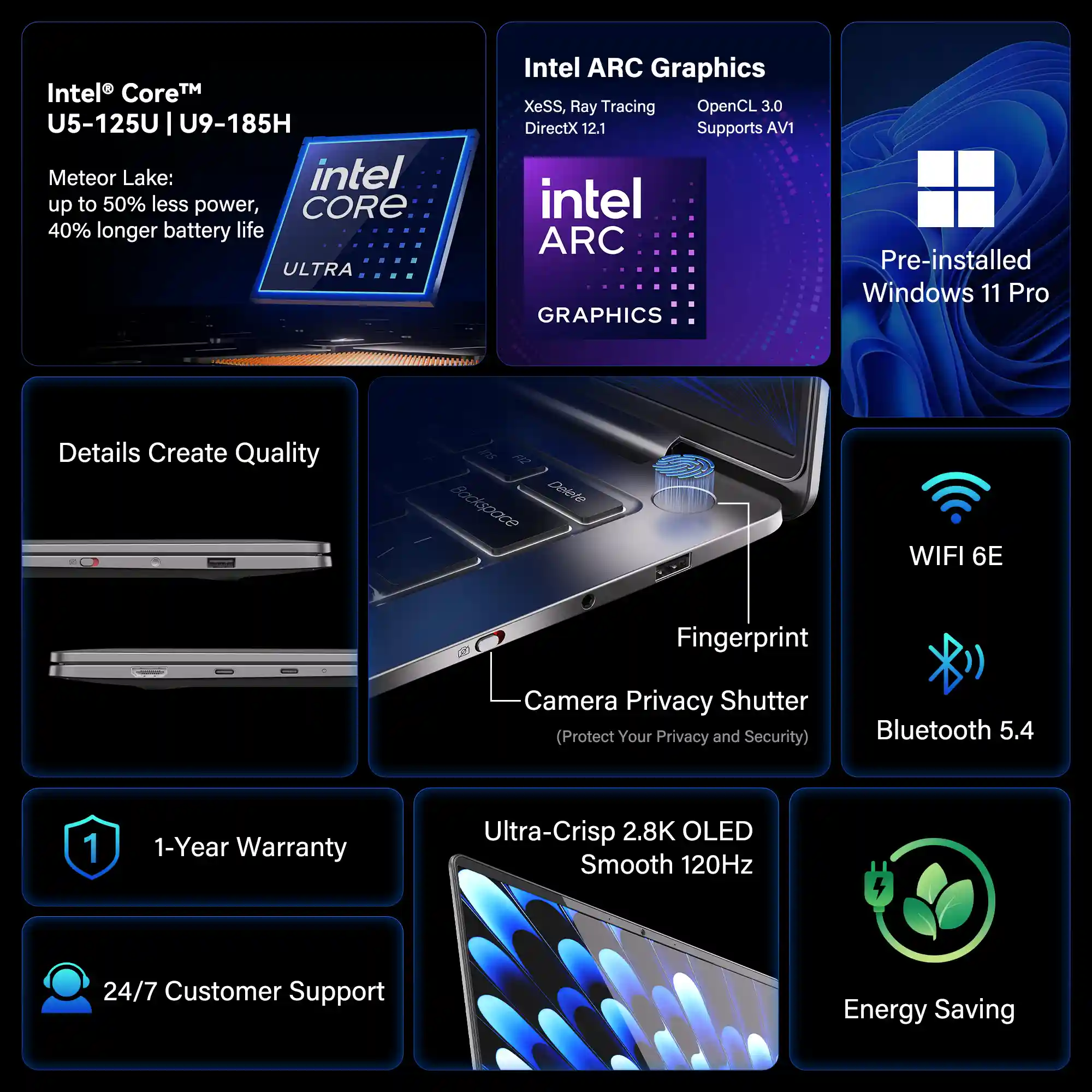
Captivate your clients with the stunning 14-inch 2.8K OLED display. Featuring a 100% DCI-P3 color gamut, it delivers Hollywood-grade, true-to-life colors and infinite contrast. Whether you’re delivering a high-stakes presentation or enjoying a movie on a first-class flight, the visual experience is simply breathtaking. - ✈️ Unplugged Sophistication — All-Day Mobility:
Tailored for frequent flyers and business elites, the X14 delivers long-lasting battery life to keep you untethered. Effortlessly power through back-to-back meetings, VIP lounge layovers, and cross-country flights. When you do need a top-up, the ultra-compact fast charger gets you back in action in minutes. - 🧠 Smart & Silent Performance — Effortless Efficiency:
Powered by the latest Intel Core Ultra processor with advanced AI capabilities, the X14 is optimized for snappy, whisper-quiet performance. It seamlessly glides through complex documents, intensive multitasking, and high-res video conferencing without breaking a sweat or causing distracting fan noise. - 🔒 Uncompromised Security & Seamless Connectivity:
Protect your sensitive corporate data with an integrated fingerprint login and a physical webcam privacy switch. Despite its impossibly thin frame, it’s fully equipped with ultra-fast USB4 and essential ports, allowing you to connect to conference room displays instantly without the clutter of adapters.
- 💎 999g of Pure Elegance — The Executive Choice:
-
COMPARESale
$1,499Original price was: $1,499.$1,279Current price is: $1,279.🥇 16″ Limitless Workspace. 2.8 lbs Weightless Freedom.
🏆Award-Winning Recognition: Honored with the T3 Platinum Award and recommended by ZDNET & PCWorld for its lightweight design, AI-ready performance, and premium laptop experience.
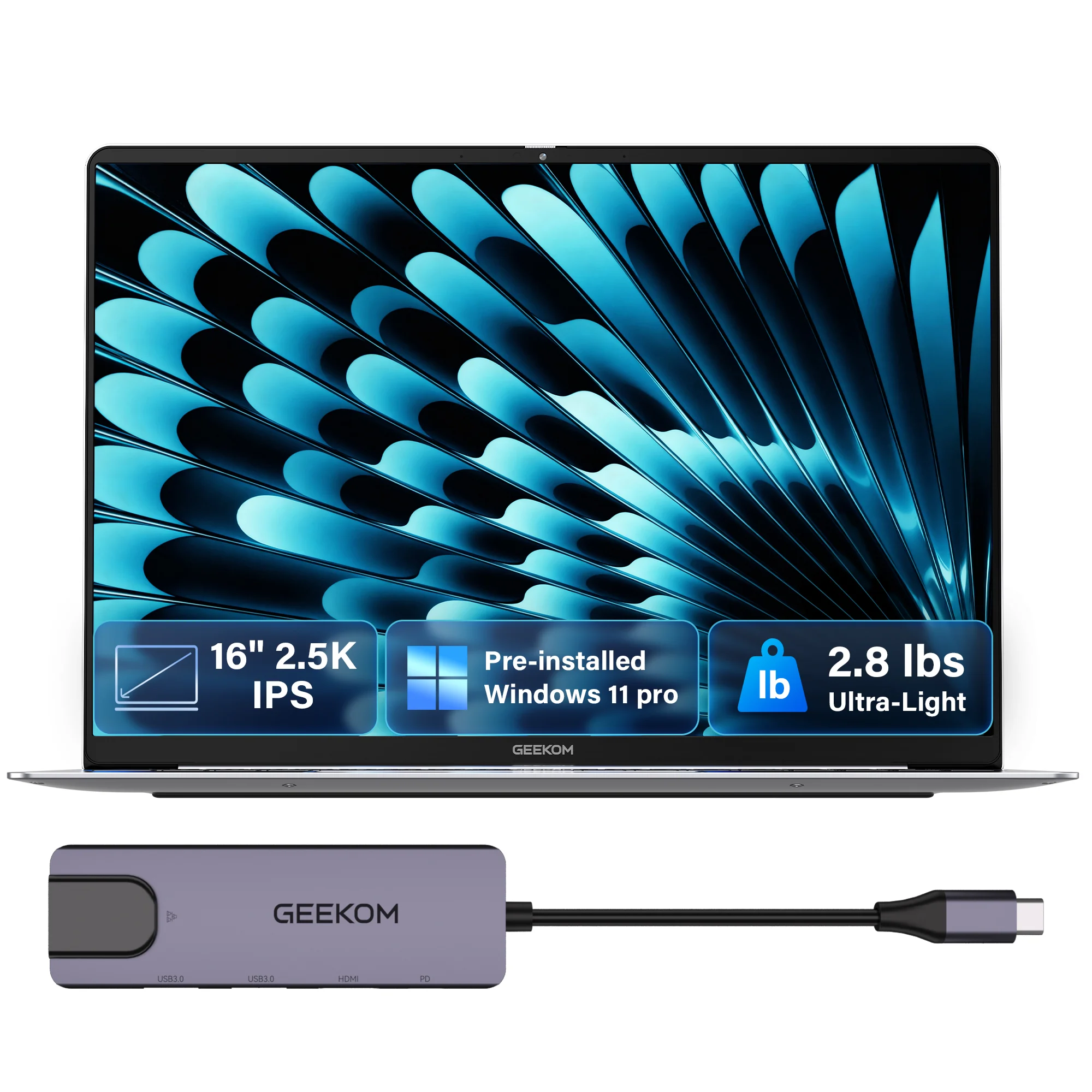
- 🎒 Uncompromised Lightweight Portability — Weighing just 2.8 lbs with a 0.27″ ultra-thin CNC magnesium body, the X16 packs a massive 16-inch screen into a 14-inch footprint. Effortlessly slip it into your backpack to breeze through daily office tasks in cafes or edit vlogs on the go without breaking a sweat.
- 🎬 A Premium Display for Work and Play — The 16″ 2.5K 120Hz display with 100% sRGB guarantees silky-smooth scrolling through long documents and precise color grading for creative projects. The 16:10 aspect ratio provides 11% more vertical space, letting you see more complex spreadsheets, lines of code, or video tracks without constant scrolling.
- 🔋 17-Hour Battery for Off-Grid Productivity — Driven by a 77Wh high-capacity battery, the X16 ensures you aren’t tethered to a wall. Whether you’re jumping between all-day meetings, pulling an all-nighter in the library, or editing on a long flight, enjoy all-day power supported by a compact 65W GaN fast charger.
- 🚀 Elite AI Performance & Limitless Storage — Powered by the flagship Intel Core Ultra 9 185H and 32GB RAM, it effortlessly handles heavy multitasking, data analysis, and 4K video rendering. With dual M.2 PCIe Gen4 SSD slots, you can massively expand your space to store years of work files and raw footage.
- 📸 The Ultimate Versatile Hub — Featuring a built-in MicroSD card slot, you can instantly transfer footage from your camera or phone. Combined with ultra-fast USB4 (40Gbps) and fingerprint login, it perfectly bridges your professional office needs and creative workflows.
Windows 11 Pro
Means Efficiency
Built-In Protection, Every Layer Covered
Windows 11 Pro shields your laptop at every layer — encrypting drives, securing logins, blocking threats, and protecting the OS core — so your data and identity stay safe, always.
Enterprise Control, Anywhere, At Scale
Windows 11 Pro turns your laptop into an enterprise-ready machine — joining corporate networks, managing devices remotely, and giving IT teams full control at any scale.
Power And Virtualization, Without Limits
Windows 11 Pro powers your laptop beyond limits — virtualizing machines, isolating test environments, and maximizing Intel & AMD hardware so you tackle any demanding task with ease.
One Hub, Every Workflow Covered
Your laptop becomes a true productivity hub with Windows 11 Pro — managing windows smartly, switching workflows instantly, and keeping communication, apps, and information all in one place.
Security That Protects Data And Identity
BitLocker Drive Encryption
BitLocker encrypts your entire laptop drive with AES 128/256-bit security, making data completely unreadable without the right credentials — protecting your files whether the device is lost, stolen, or in the wrong hands.
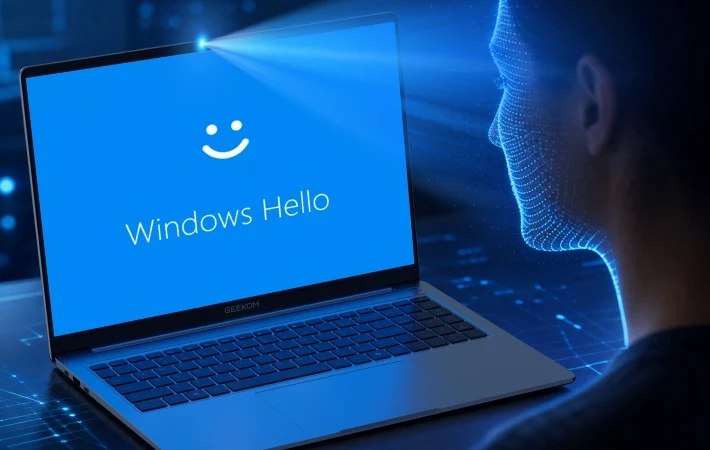
Windows Hello
Windows Hello replaces passwords with biometric login — using face recognition, fingerprint, or a secure PIN. Faster, safer, and FIDO2-certified, your credentials never leave your device.
Secure Boot & TPM 2.0
Secure Boot blocks unauthorized software at startup while TPM 2.0 stores encryption keys at hardware level — together verifying your laptop’s integrity every time it powers on.
Microsoft Defender
Microsoft Defender provides built-in antivirus, firewall, and SmartScreen — scanning threats in real time, updating automatically, and scaling to enterprise grade via Defender for Endpoint.
Manage And Control Devices
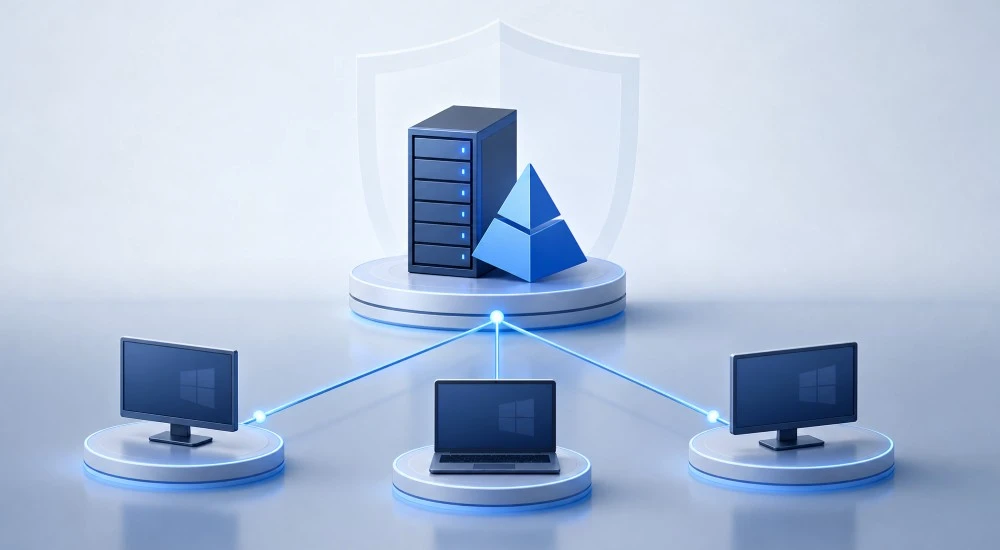
Domain Join
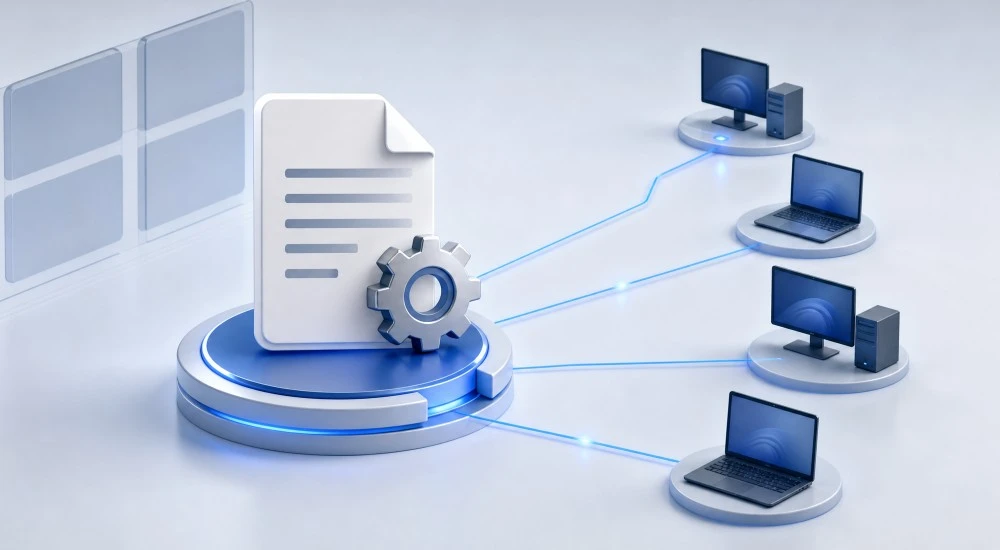
Group Policy Management
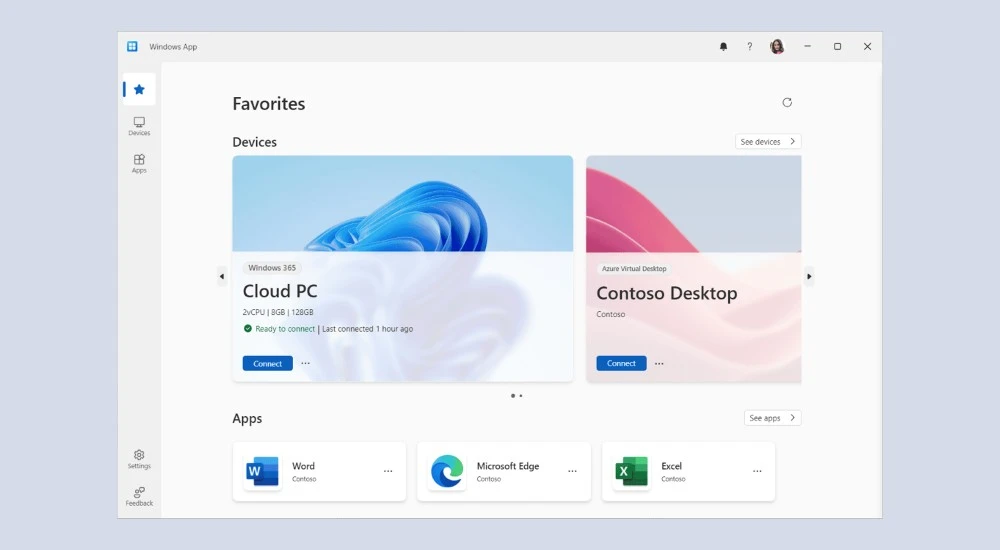
Remote Desktop
Microsoft Intune / MDM
Azure Active Directory
Domain Join connects your Windows laptop directly to corporate networks and Active Directory — giving you seamless access to shared resources, permissions, and IT managed infrastructure.
Group Policy Management lets IT admins enforce security rules, software restrictions, and configurations across all Windows laptops in a network — consistently and without touching each device manually.
Remote Desktop lets you securely access your laptop from anywhere — connecting to your files, apps, and full desktop environment as if you were sitting right in front of it.
Microsoft Intune lets IT teams manage, monitor, and secure Windows laptops remotely at enterprise scale — enforcing policies, pushing updates, and protecting devices from any location.
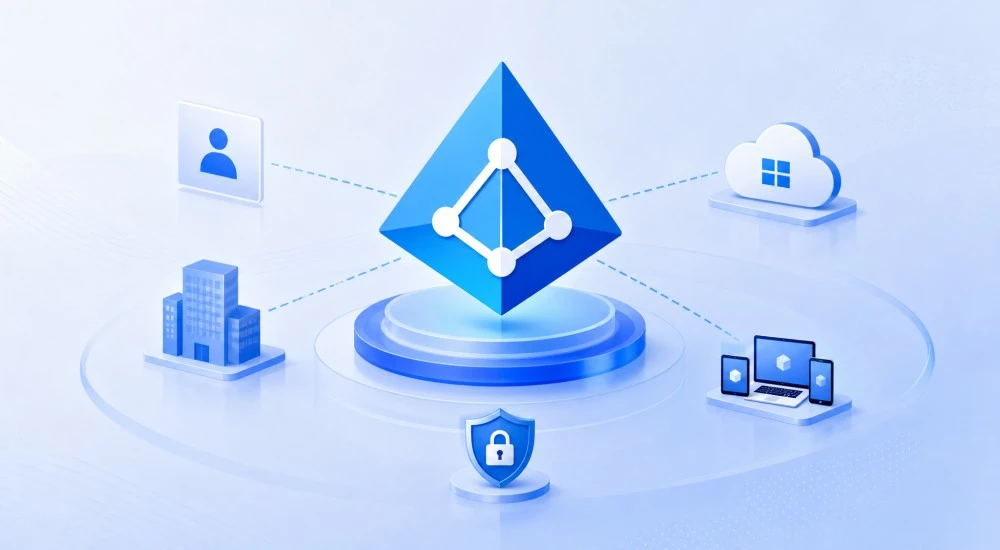
Azure Active Directory gives your laptops cloud-based identity management — enabling SSO across Microsoft 365, enforcing MFA, and letting IT control access remotely at any scale.
Performance & Virtualization
Hyper-V (run virtual machines)
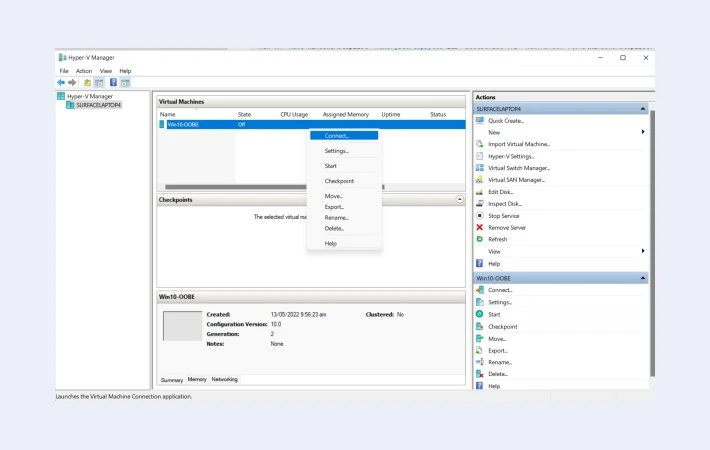
Hyper-V lets you run full virtual machines directly on your Windows laptop — isolating operating systems and environments without needing separate physical hardware.
Support for up to 2TB RAM
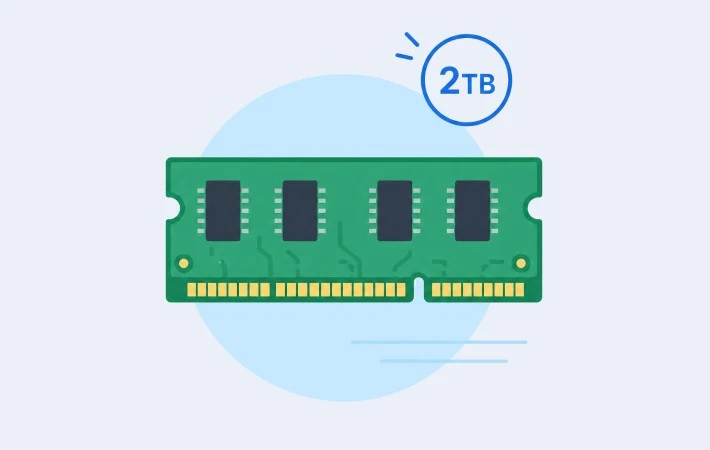
Windows 11 Pro supports up to 2TB of RAM on compatible hardware — handling the most memory-intensive workloads, from large virtual machines to complex data processing.
Fast SSD / NVMe storage compatibility
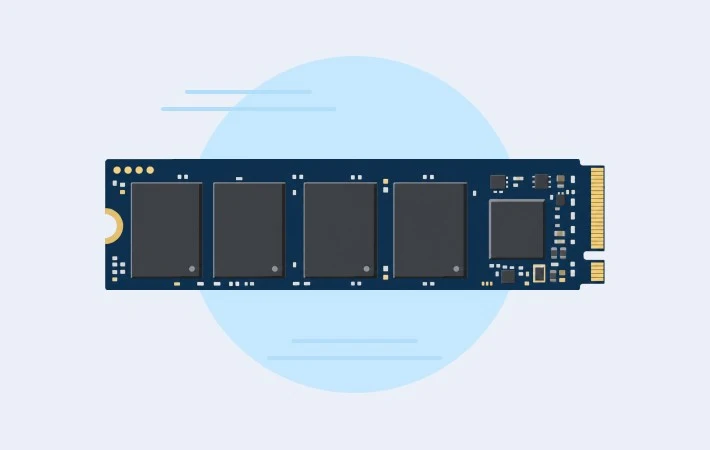
Fast SSD and NVMe storage run at full speed on Windows 11 Pro — delivering rapid boot times, quicker file transfers, and snappier app performance across daily workloads.
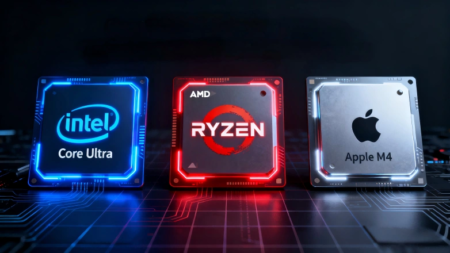
High-performance Intel & AMD processor support
Intel and AMD processors run at their full potential on Windows 11 Pro — powering demanding tasks, multitasking, and professional workloads without compromise.
Productivity & UX
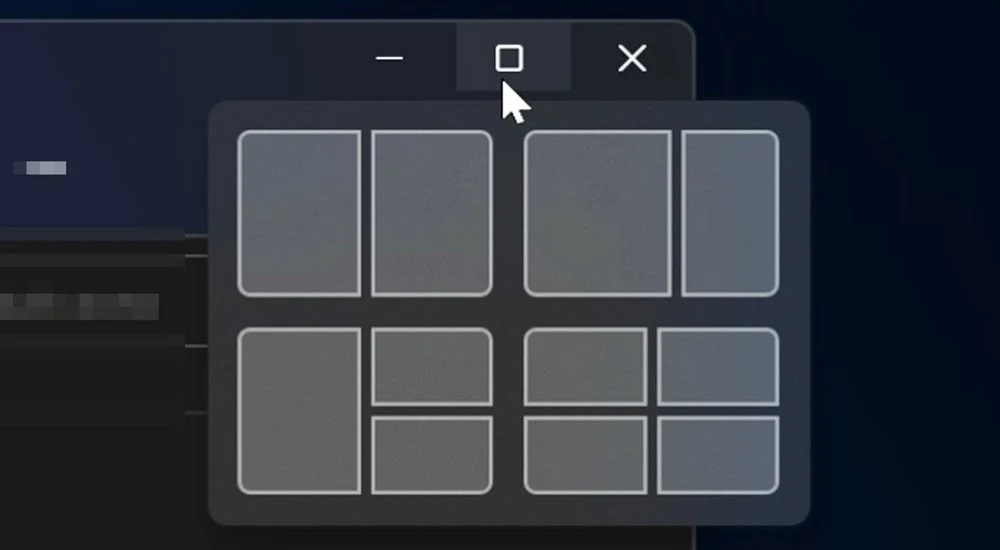
Snap Layouts & Snap Groups
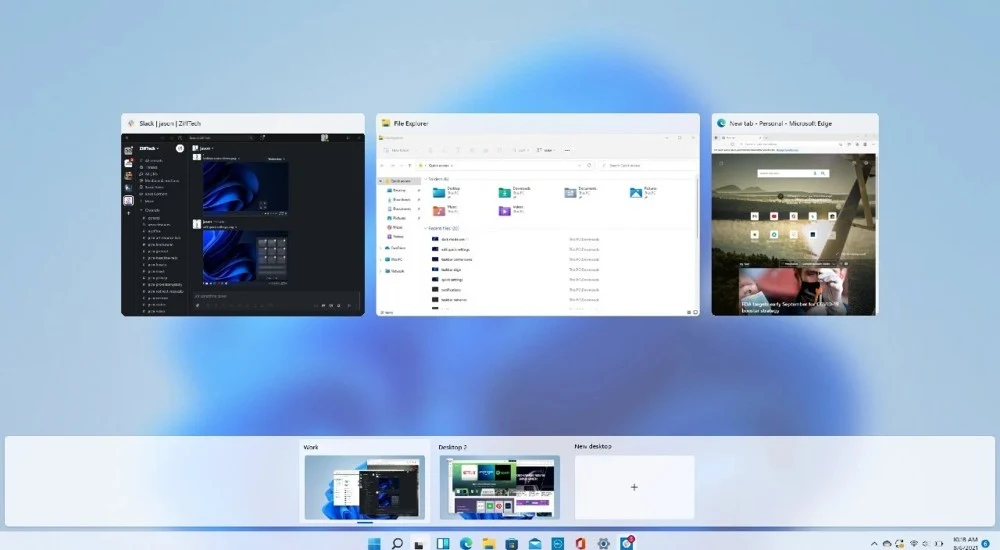
Virtual Desktops
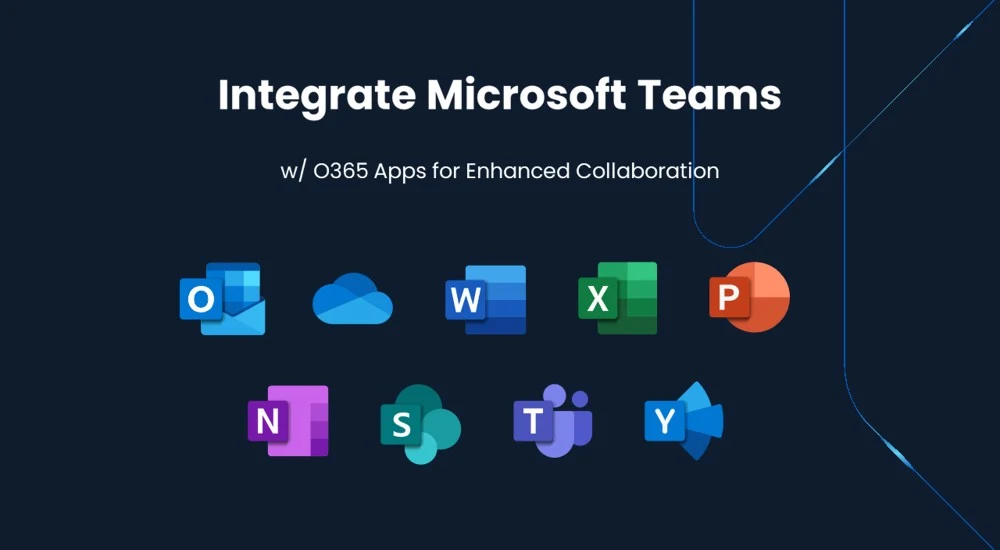
Microsoft Teams Integration
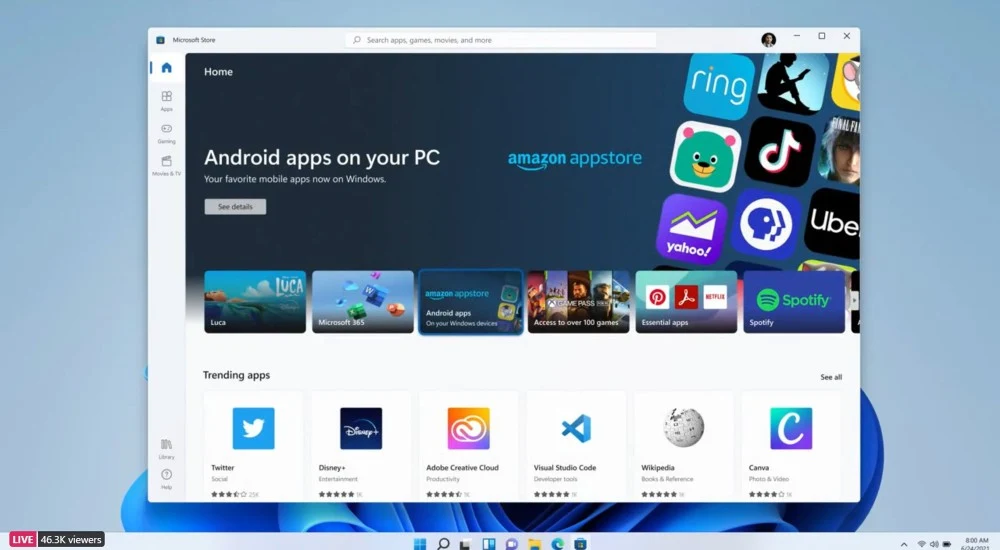
Android App Support
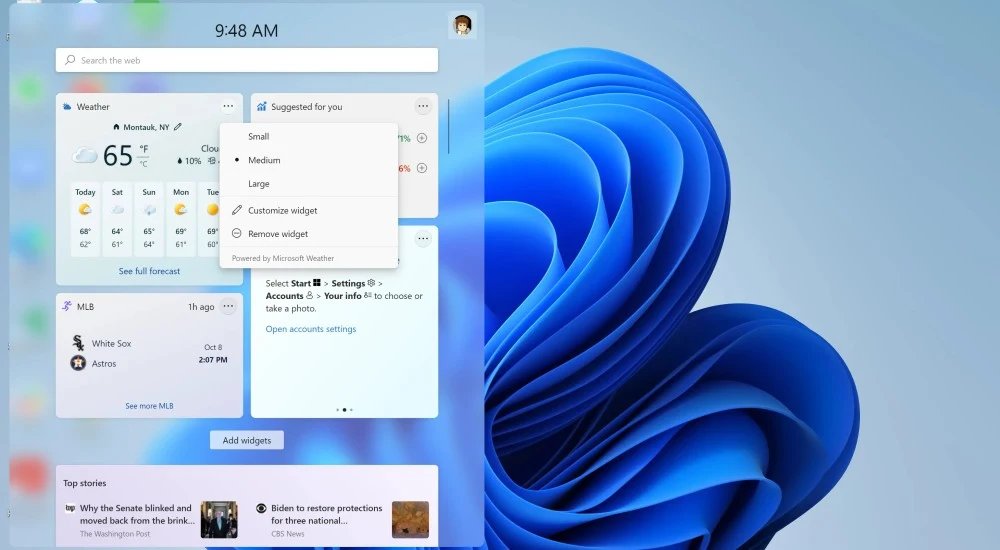
Widgets Panel
Snap Layouts and Snap Groups organize open windows instantly — keeping multiple tasks visible and neatly structured on your laptop screen.
Virtual Desktops create separate workspaces on one laptop — switching between projects and contexts instantly without cluttering your screen.
Microsoft Teams is built into Windows 11 Pro — chat, call, and collaborate directly from your laptop with no extra installation needed.
Android apps run natively on your Windows laptop via the Amazon Appstore — expanding what you can do without switching devices or platforms.
The Widgets Panel puts personalized news, weather, and calendar info at a glance — keeping you informed without leaving your current task.
FAQs
Why does my Windows laptop battery drain so fast?
Battery drain is commonly caused by background apps, high screen brightness, or power settings not optimized for battery saving. Go to Settings → System → Power & Battery and select “Power Saver” or “Balanced” mode to extend usage time.
Why has my Windows laptop slowed down over time?
Performance degradation usually comes from accumulated startup programs, low storage space, or outdated drivers. Running Disk Cleanup, disabling unnecessary startup apps via Task Manager, and keeping drivers updated can significantly restore speed.
Can I delay or control Windows Update on my laptop?
Yes — on Windows 11 Pro, you can defer updates via Windows Update for Business or pause them up to 5 weeks under Settings → Windows Update → Advanced Options, giving you full control over when updates install.
How do I free up storage space on my Windows laptop?
Use the built-in Storage Sense tool under Settings → System → Storage to automatically remove temporary files, old update packages, and unused content. Moving files to OneDrive or an external drive also helps reclaim space quickly.
Is Windows Defender enough to keep my laptop secure?
For most users, yes. Microsoft Defender provides real-time antivirus, firewall, and phishing protection that is automatically updated — making third-party antivirus unnecessary for standard use. Enterprise users can extend it further via Defender for Endpoint.
Why does my Windows laptop charge slowly or show "plugged in, not charging"?
This typically happens when the charger wattage is too low or battery management software is limiting the charge. Check Settings → System → Power & Battery for any charge limits, and always use the manufacturer-recommended charger — particularly important on USB-C laptops where cable wattage varies.